Welcome back.
Over the past few weeks, we've walked through the visual side of MyClockTab 2.0: the design philosophy behind it, a first look at the Digital theme, and the integrated Timer and Stopwatch.
But as we put the final pieces together, we want to talk about something behind the scenes: your data, and your choices.
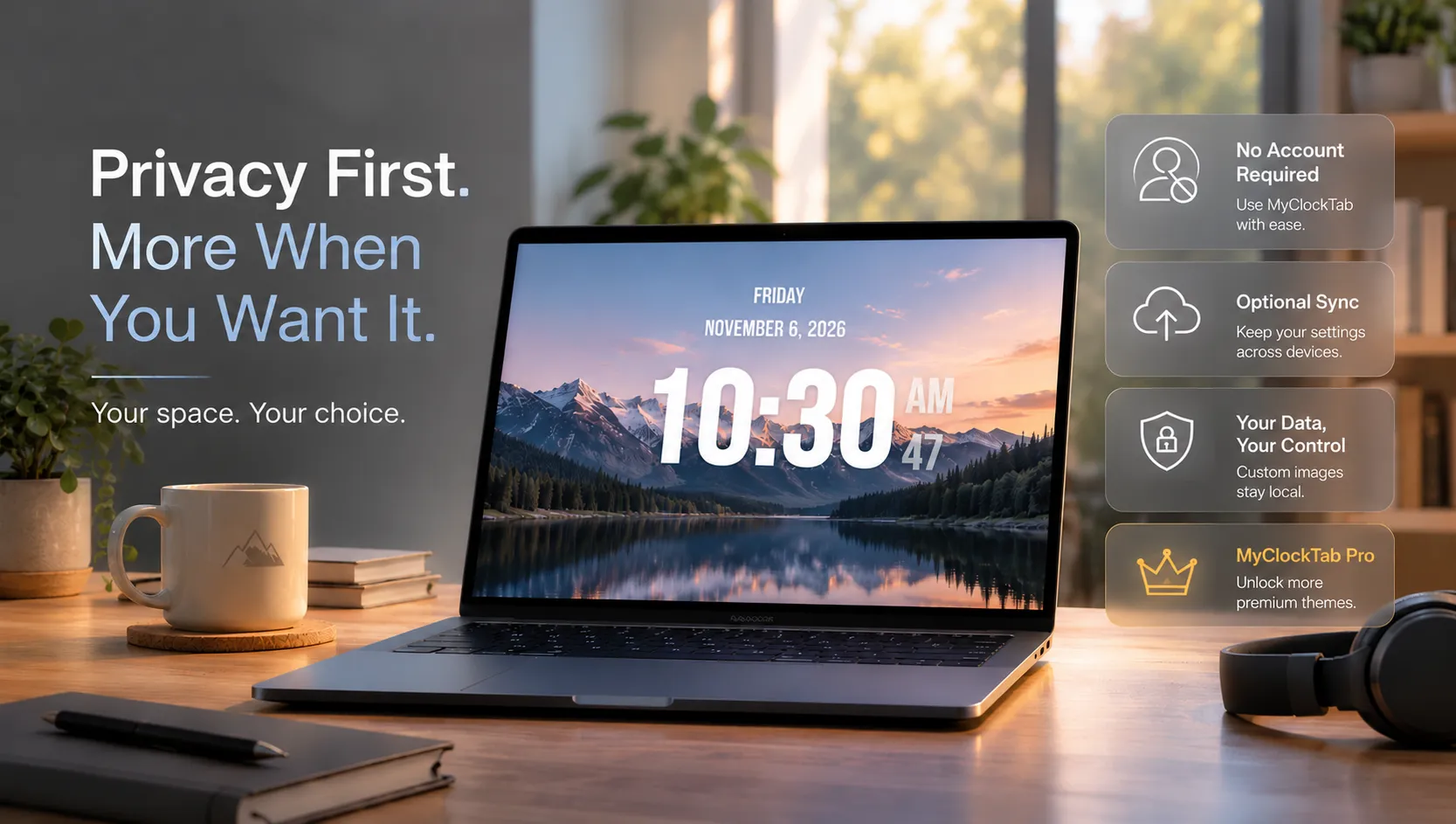
No account required. Ever.
We believe a clock should just be a clock. You shouldn't need an account just to open a new tab and enjoy MyClockTab.
In 2.0, you can still use MyClockTab entirely without an account. All your settings—your themes, your colors, and even your custom local images—are saved directly in your browser.
When we say "local," we mean it. Your custom images are never uploaded to our servers. They stay in your browser's local storage, right on your device. Your personal images remain yours, and you stay in control.
For those who want more: Accounts & Sync
We know many of you use multiple devices — a laptop at home, a computer at the library, or a tablet on your desk.
By default, your settings stay in the browser where you created them. They won't automatically appear on your other devices.
That's why we've introduced an optional account system for those who want to sync their experience.
Creating an account is completely optional. But if you do, you'll be able to:
- Sync your favorite themes and settings across your devices.
- Keep your synced settings available when you switch devices or clear your browser data.
- Enjoy the convenience of cloud sync while your custom uploaded images remain local to each device.
Your images stay on your device. They are not uploaded as part of the sync process.
A quick note on Pro
With 2.0, we are introducing a Pro tier.
We’ve spent months designing, building, and polishing these themes, and Pro is how we keep the lights on and continue updating the product.
But here is our promise: The core MyClockTab experience will always be free. You will never be forced to pay to use the clock, and you will never see an ad. Pro is for those who want more — more themes, more backgrounds, and more features on top of what's free.
And one more thing: Cloud Sync is available to everyone, including both Free and Pro users. You don't need a Pro subscription to sync your settings across devices.
We'll share the full details — and pricing — before launch.
What's next
For the next couple of weeks, we’re going heads-down. No blog posts, just code. We're putting the finishing touches on MyClockTab 2.0, testing everything carefully, and getting ready for launch.
We'll share the release date as soon as everything is ready. And when we do, you'll be the first to know.
If you'd rather hear it from me directly, or you have a strong opinion about what Pro should include, email me at [email protected]. I read every message — and I'll send the launch announcement to everyone who asks.