Welcome back.
In our last post, we showed you how the Digital theme makes the clock feel like a part of the environment. Today, we’re talking about two tools that work alongside your time: Timer and Stopwatch.
Previously, these tools lived on completely separate pages. If you wanted to use a timer, you had to open a new tab. You couldn’t glance at the clock while your timer was running. It felt clunky, and it broke the immersion of the space.
For 2.0, we’ve rebuilt both tools from the ground up as integrated components. They now live quietly in the bottom left corner of your screen, ready whenever you need them.
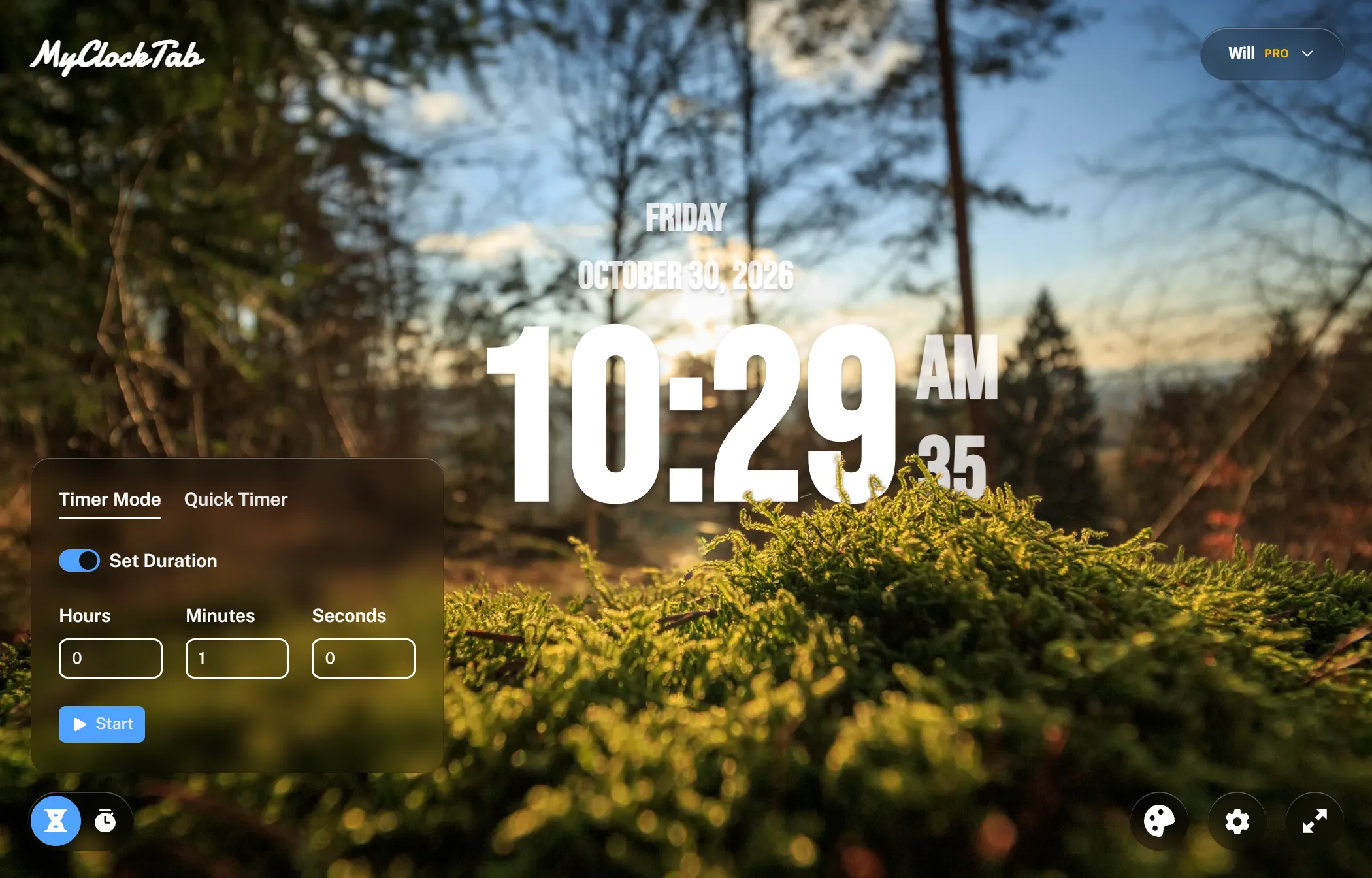
The Timer
The Timer still works exactly how you expect. You can set a duration or a specific end time.
But we added a few things to make it fit better into your daily flow:
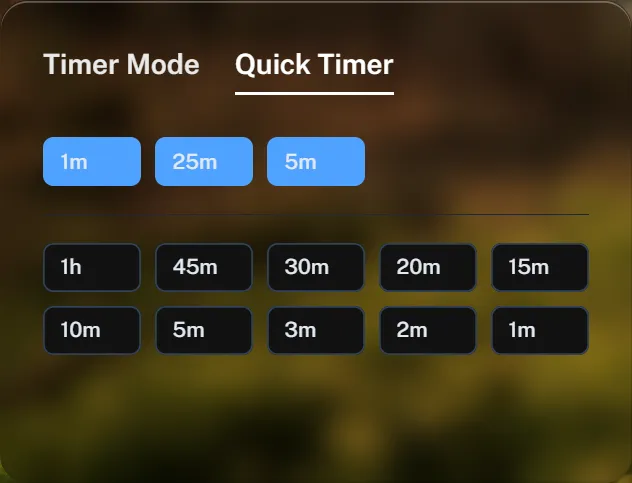
- Quick Timer & History: Quickly start common countdowns, or jump back into a recent one.
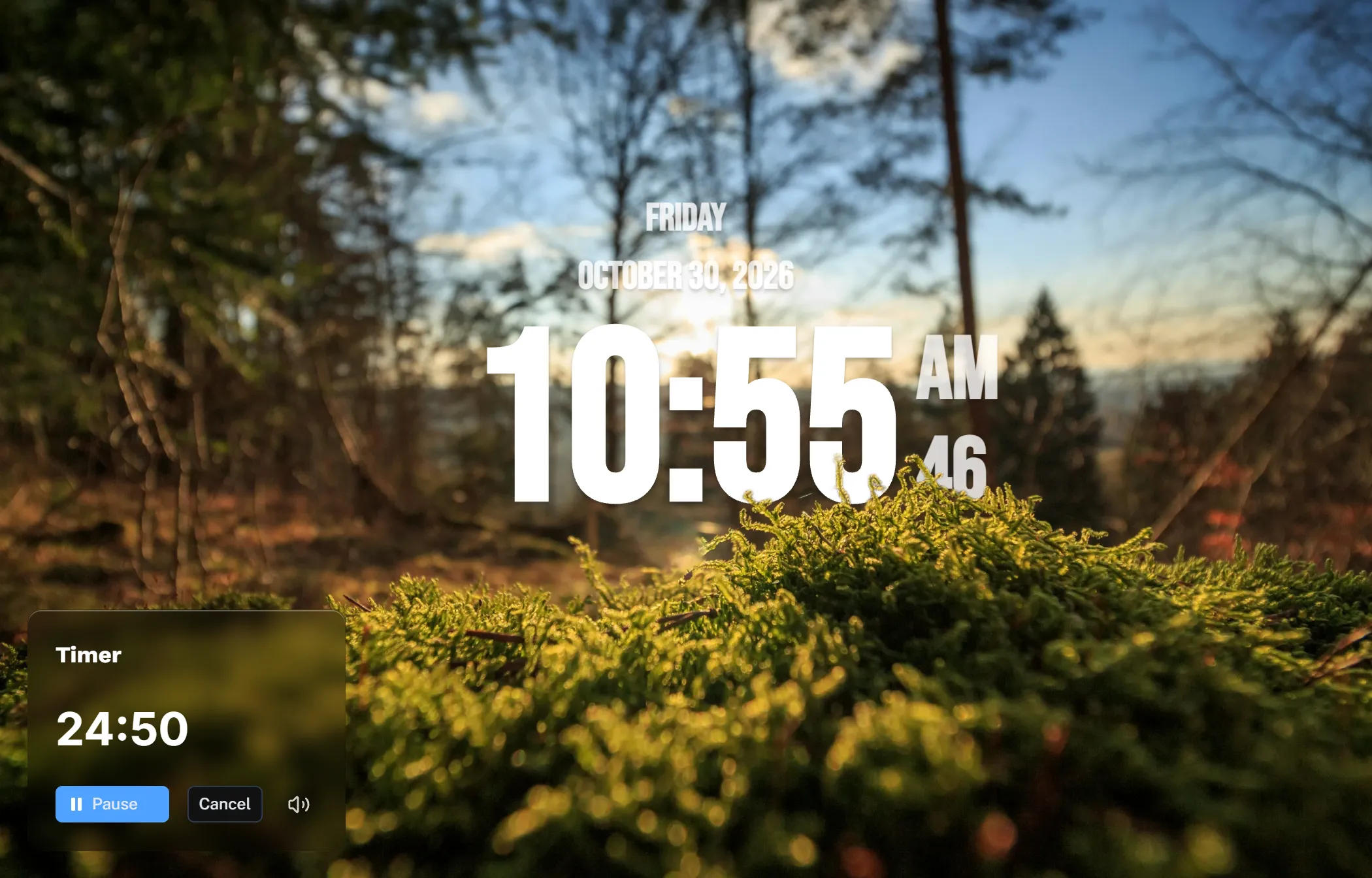
- Always Visible: Once a timer starts, it stays on screen. You get the big, beautiful clock in the center, and your countdown running quietly in the corner.
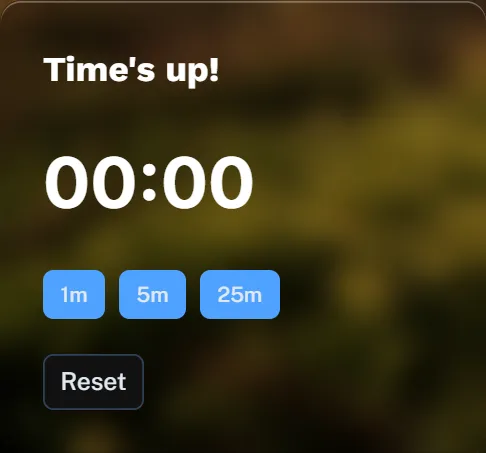
- Pomodoro, made simple: When a timer finishes, it drops into your history at the bottom. You can instantly click the next one. It’s a subtle way to build a Pomodoro routine without needing a complicated, separate app.
The Stopwatch
We gave the Stopwatch the same treatment. It’s no longer a separate destination. It’s a small, elegant widget that sits in the corner, letting you track time without ever leaving your clock.
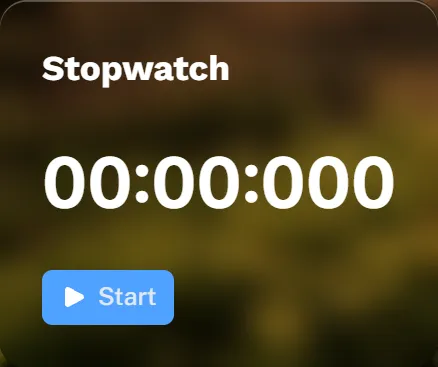
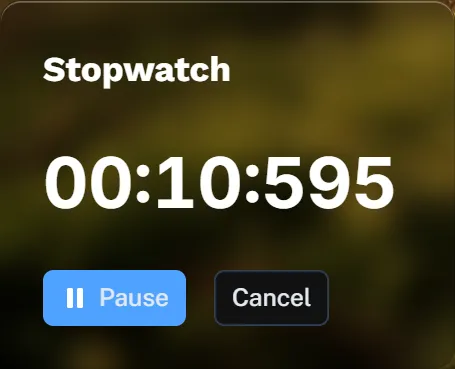
One at a time
Because both widgets live in the bottom left corner, we made a design decision: you can only use one at a time.
We think this keeps the interface clean and distraction-free. But we’re curious—do any of you have a workflow where you need both running simultaneously? If you do, please email me and let me know.
A work in progress
To be completely honest, we’re still refining the UI and interactions for these tools. We want them to feel just as considered as the clock itself.
Is there a specific interaction you’d love to see? Or a feature that would make your focus sessions smoother? Let me know — my inbox is always open.
Thanks for reading, and see you in the next one.
Have a thought, a question, or just want to say hi? Email me at [email protected] — I'll write back. You have my word.