After countless cups of coffee and a few heated debates about button shades, we're thrilled to launch the first version of our tools into the wild! This is just the beginning.
✨ MyClockTab
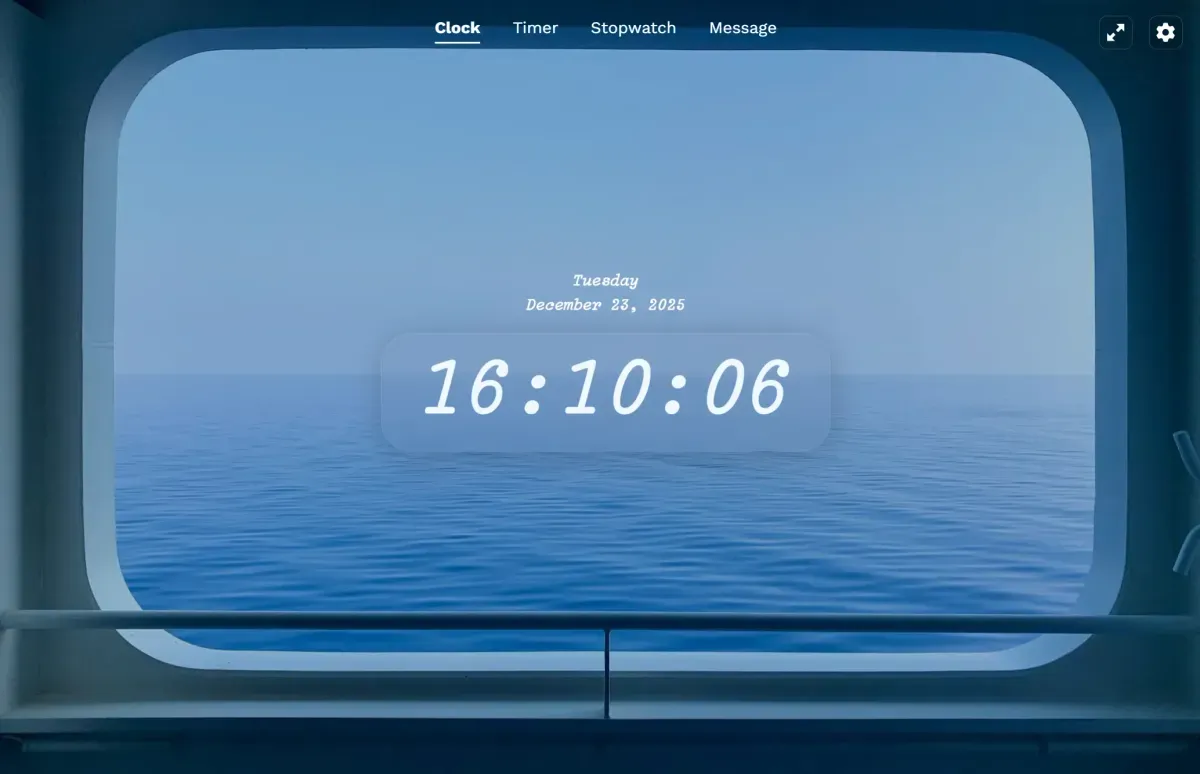
- New: It's alive! Your browser tab is now a fully functional, customizable clock.
- New: Play with fonts, colors, and positions. Make it truly yours.
- Magic: Choose from our wallpapers, use a URL, or even a local image that never leaves your computer (privacy first!).
- Secret Sauce: The time follows you! It shows up in the browser tab title and favicon, even when you're on other pages.
⏱️ MyTimerTab
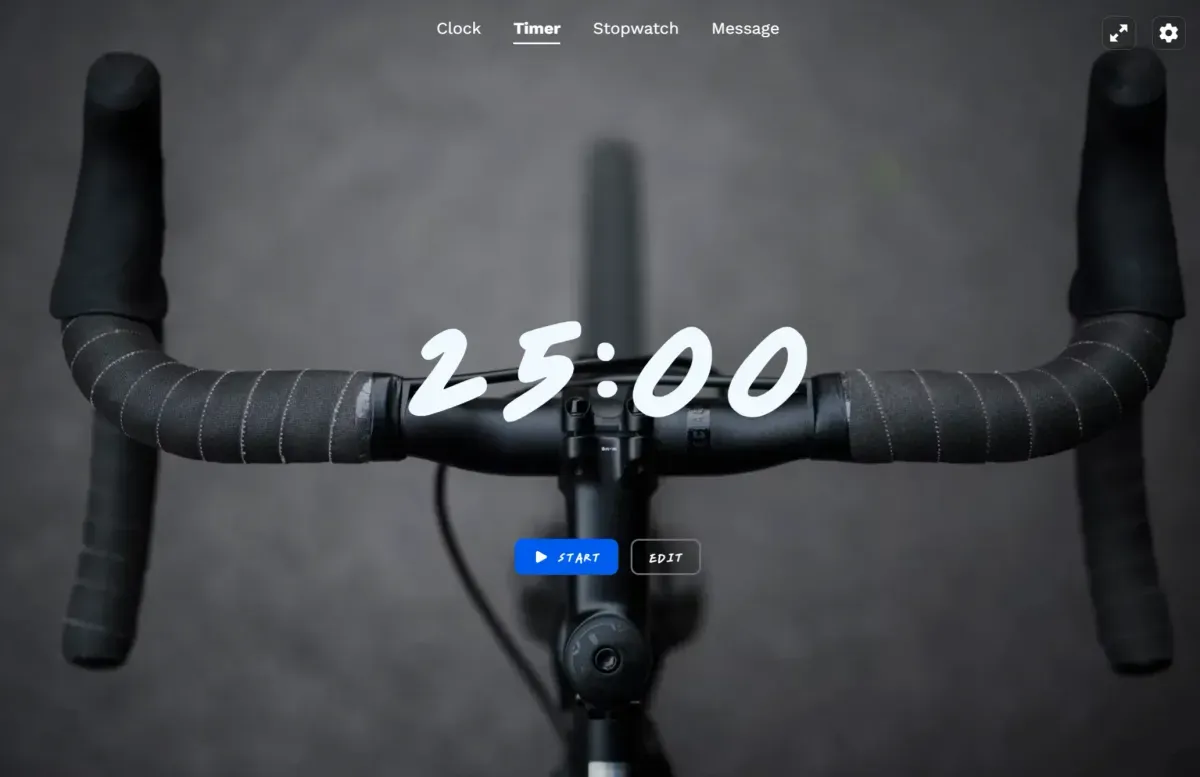
- New: Set a countdown by duration or pick an end time, just like an alarm clock.
- Genius Feature: Start the timer, go browse anywhere else, and still see the countdown in the tab title. No more missing your breaks!
- New: A gentle sound (if your tab isn't muted) tells you when time's up.
- New: We remember your recent timers for quick re-use. (It's all stored locally in your browser).
⏲️ MyStopwatchTab
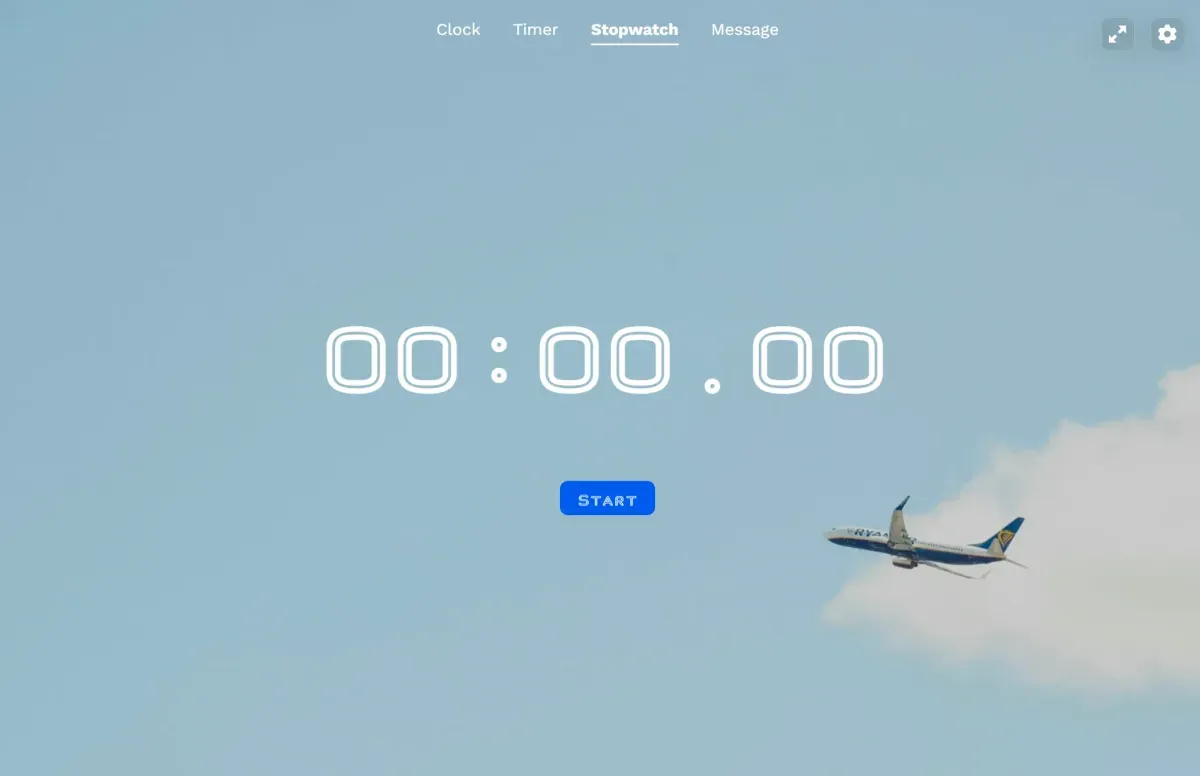
- New: A simple, clean stopwatch is born.
- New: Hit "Lap" to record splits. Perfect for timing your... highly important productivity sprints.
- New: The elapsed time is displayed in the tab title so you can keep working while tracking time.
- Persistence: Close the tab? No problem. Your current time and laps are saved locally and wait for you to return.
💬 MyMessageTab
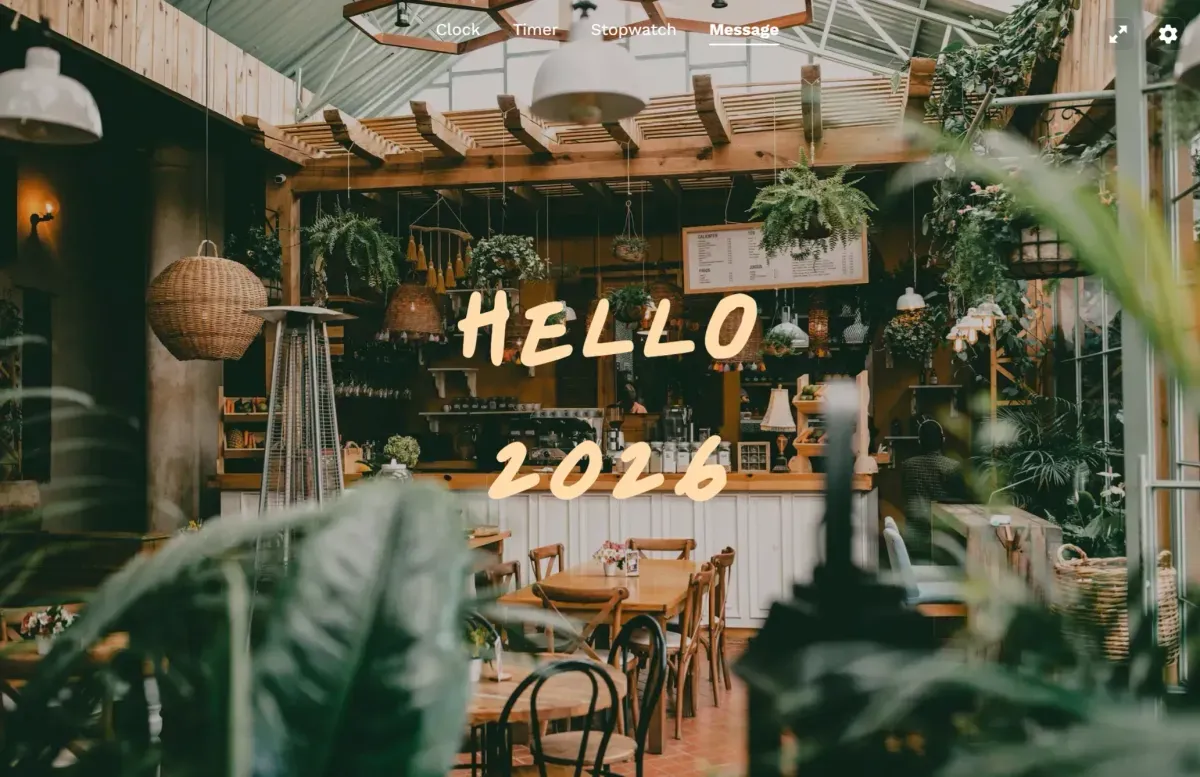
- New: Need a big, bold message? We've got you covered.
- New: Type a message, and it displays full-screen and in the browser tab title. Great for meetings, classrooms, or just motivating yourself.
🎨 The Icing on the Cake: Universal Themes
- New: Created a gorgeous theme in MyClockTab? Use the exact same look in MyTimerTab! Our themes work across all tools. Consistency is key.
Under the Hood: All your settings, themes, and data are stored locally in your browser. We don't collect it. This isn't a marketing gimmick; it's how we built it.